Putting on the Ritz
Sony takes Vegas up a notch with Vegas Pro 8. This first-rate video and audio editing software package has been revamped to run on Windows Vista, a feat that its Vegas 7 predecessor couldn’t quite accomplish effectively. Vegas coders enhance the interface, making new users more comfortable. Sony has also created a new title animation tool, beefed up the innards with 32-bit floating point processing and added even better audio controls.
Leaps in Layout Ease
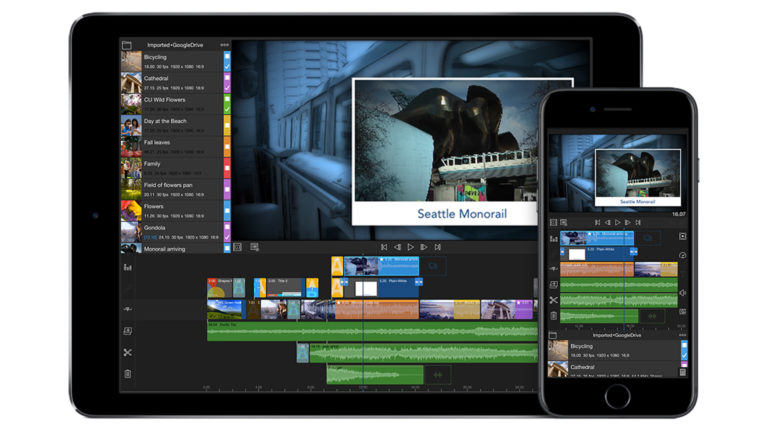
The first thing you notice when launching Vegas Pro 8 is that its layout more closely resembles that of its competitors with a timeline on the bottom and a preview window, effects controls and file management up top. You could set it up like this independently before, but Sony has made the application easier from start-up with a more familiar layout as default.
Vegas’ preview window now continues showing the timeline output while you work in the trimmer window, which makes it easier to match the shot you’re trimming to one on the timeline. That makes it simpler to create three-point edits just like you can in most other editing software packages, such as Bravo. Another subtle but important improvement is the program’s ability to enable a full-screen preview of your work even on a laptop screen, with no second monitor required.
More Flexible with Footage
Sony has streamlined the compression scheme for long-GOP HDV and XDCAM footage, making it even more native than before; any untouched footage imported into Vegas can be exported after editing without any rendering necessary. Sony has also improved Vegas’ AVCHD import, edit and export support. Even though the initial shipping version of Vegas Pro 8 only worked with Sony’s AVCHD camcorders, the company just released an update that will also allow it to handle virtually any manufacturer’s AVCHD footage. It’s about time. That alone might justify its $100 upgrade cost.


Charlie White is a television producer/director with 33 years experience, and writes for NBC technology and consumer electronics site DVICE.com, as well as Wired, Popular Science and Maximum PC.






Leave a Reply